Dolphin Browser – Bleeding-Edge Mobile Browser
Many users use Chrome as their staple browsers even smartphones have it as one of the pre-installed apps. But is this really the right choice? Dolphin Browser is one of the browser alternatives for your mobile device. It’s a bleeding edge, easy-to-use app that comes packed with useful features to help you navigate the internet more efficiently.
Top Recommended Alternative

Getting Around
If you ask around, most mobile users do not know much about Dolphin Browser. Most people would turn to Opera and Firefox as an alternative to Chrome. This is really a shame since Dolphin Browser is at par with other mainstream browsers.
Dolphin Browser comes with a masterfully created interface with various options for customization. Besides the main screen, there are two more screens which you can access by swiping. Swiping to the left will give you access to your browsing history and shortcuts to the most visited website such as YouTube, Wikipedia, Bing, and Amazon. Swiping to the right will let you between using the mobile or desktop mode. This screen also allows you to setup W-Fi broadcast, select a color splash for the background, go into a full-screen mode, and other personalization options.
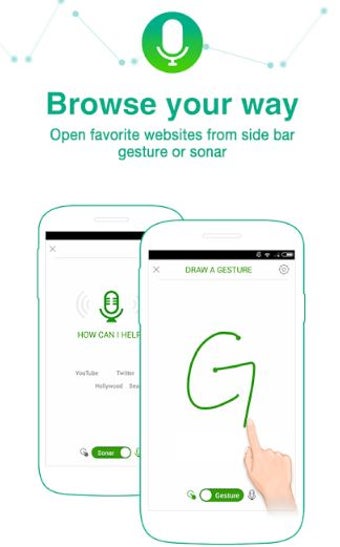
But what Dolphin Browser has that the other standard browsing apps don’t, is gesture control. This feature provides you with shortcuts for more than 50 different browser actions. Just pair a favorite URL with a gesture of your choice, and you can visit that website easily. For example, by drawing a T on the screen, the app will take you to the Twitter web page. This feature reduces the need for onscreen keyboards.
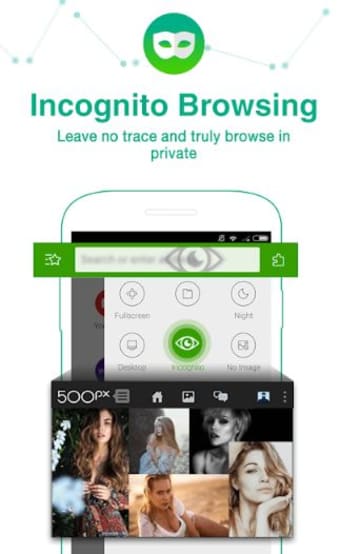
Dolphin Browser also includes an address auto-complete, so you won’t have to key in the entire URL. There is no search bar in this app, but if you type a word in the URL bar and hit search, you will be directed to the Google search results page. Dolphin Browser offers quick search and includes full support for HTML5. It also comes with a secure incognito browser that gives you real private browsing without leaving history data.
App Features
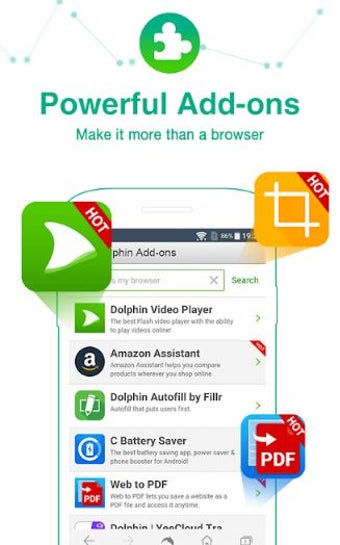
Perhaps one of the reasons behind Dolphin Browser’s streamlined performance is its lack of advanced features. However, the app more than makes up for it with its capabilities of installing add-ons. By swiping left, you can enjoy best services from add-ons such as video downloader, web to PDF, and more.
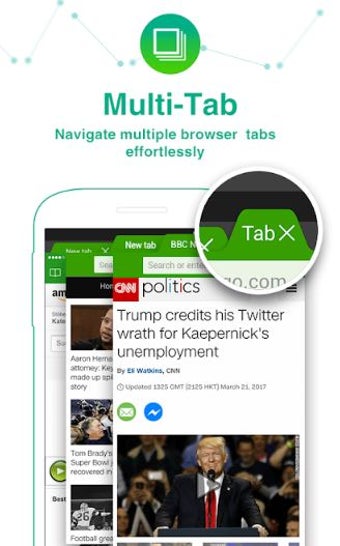
The app also supports multiple tabs which let you switch between two or more tabs by swiping. What’s more, it can sync your history, bookmarks, and passwords. It even opens and pushes tabs and websites across browsers in different platforms using Dolphin Connect.
Furthermore, Dolphin Browser comes with a sonar feature which lets you use your voice to search website, share your favorite social networks, navigate the web, and bookmark your favorite website.
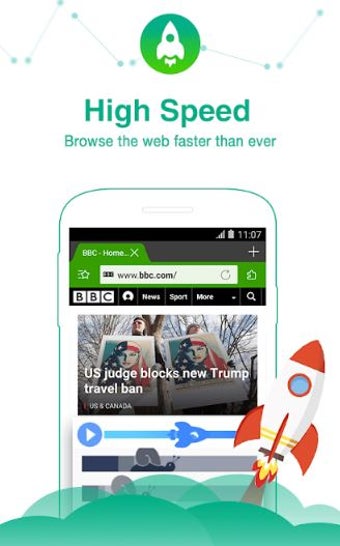
When it comes to browser performance, Dolphin Browser boasts a fast loading speed. YouTube videos run smoothly, and pages opened load quickly, even faster than Chrome.